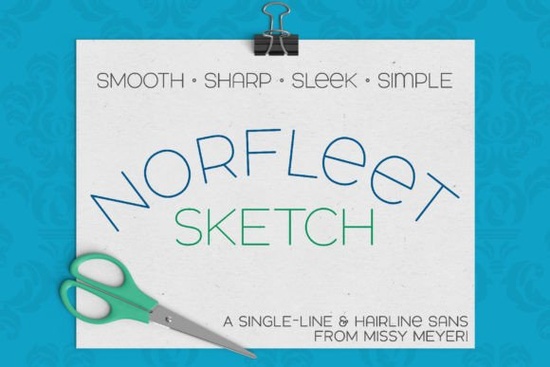
If you're into hand-lettered effects without actually drawing each letter by hand, the Norfleet Sketch (Single Line) Font is worth a closer look. Designed from scratch as a true single-line typeface, it’s built for tools that draw not cut or print like sketch pens, engraving tips, foil quills, or Glowforge scoring attachments. Unlike regular fonts that create solid shapes, Norfleet Sketch uses minimal strokes to mimic the look of freehand writing while keeping your workflow fast and precise.
What makes Norfleet Sketch different from other sans-serif fonts?
Most sans-serif fonts are designed for readability on screens or in print, with filled-in letterforms. Norfleet Sketch flips that idea: it’s made to be drawn, not printed. Its clean lines, smooth curves, and wide stance give it a modern elegance, while subtle quirks like a rounded uppercase A or a lowercase-style e add personality without clutter.
It’s also a double-uppercase font, meaning both uppercase slots contain usable glyphs, giving you flexibility in layout and style. And because it’s so minimal, it pairs effortlessly with bolder display fonts like Bright Darling Duo or even playful scripts like Sunflower.
Which version should you use: Norfleet Sketch One or Two?
This is where things get practical. The font comes in two distinct formats, and choosing the right one depends on your software and tool:
- Norfleet Sketch One is a true single-stroke font. Every character is drawn with one continuous path from start to finish. This works well in advanced vector programs like Adobe Illustrator, Inkscape, or Rhinoceros if you know how to prevent the software from auto-closing the stroke. It’s ideal for CNC routing or laser scoring where a single pass matters.
- Norfleet Sketch Two is a hairline font. Technically an outline font, but with strokes so close together they appear as one line. This version “just works” in most craft software like Cricut Design Space, Silhouette Studio, CorelDRAW, and Affinity Designer no tweaking needed.
If you’re new to single-line fonts or using entry-level design tools, start with Norfleet Sketch Two. It’s plug-and-play. If you’re comfortable editing vector paths and need true single-line precision, go for Norfleet Sketch One.
Where can you actually use this font?
Remember: single-line and hairline fonts aren’t meant for Word docs, PDF printing, or vinyl cutting. They shine when used with tools that simulate handwriting:
- Foil Quill or Infusible Ink Pens (Cricut)
- Glowforge scoring or engraving
- Sketch pens in Silhouette machines
- Plotter pens or CNC routers with drawing attachments
- Digital illustration for packaging mockups or branding concepts
They’re especially useful for small businesses creating custom stationery, wedding invitations, engraved gifts, or minimalist apparel designs where a delicate, sketched look adds value without overwhelming the product.
Just note: due to compatibility issues, these fonts may not work reliably in Brother Canvas Workspace. Always test first if you’re using less common software.
How does it compare to other single-line sans-serifs?
If you’ve tried other sketch-style fonts like Adventure or Bourgueil, you’ll notice Norfleet Sketch stands out for its geometric cleanliness and consistent stroke weight. While some single-line fonts lean rustic or uneven for effect, Norfleet keeps things refined making it a strong choice for modern logos, tech-themed merch, or upscale gift items.
You can explore more options like this on Norfleet Sketch directly through Creative Fabrica, where you’ll also find the included PDF guide explaining how to choose between One and Two based on your specific software.
Before you download: a quick checklist
- ✅ Confirm your machine or software supports single-line or hairline fonts.
- ✅ Decide whether you need true single-stroke (One) or ready-to-use hairline (Two).
- ✅ Review the included PDF guide it’s short but saves hours of trial and error.
- ✅ Test with a simple word before committing to a full project.
- ✅ Pair Norfleet Sketch with a solid sans-serif or script for contrast avoid pairing with another sketch font unless you’re going for intentional chaos!
For designers and makers who want crisp, modern hand-drawn typography without the inconsistency of actual handwriting, Norfleet Sketch offers control, clarity, and creative flexibility all in one lightweight font family.
Download Now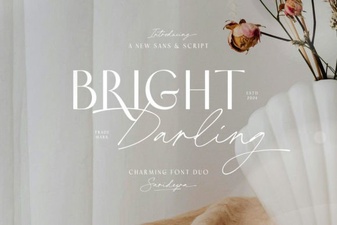 Introducing the Bright Darling Duo Web Font
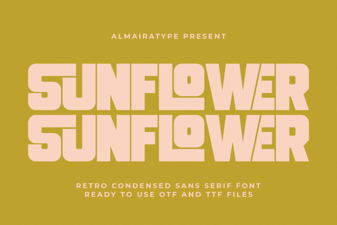 Bring Your Designs to Life with Sunflower Font
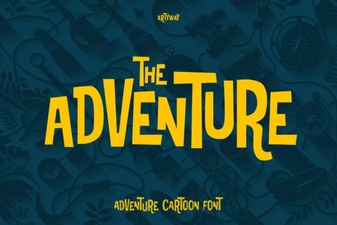 Typography for Adventure Games: Fonts & Design Ideas
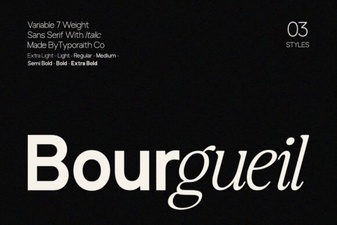 Bourgueil Font: a Modern Typeface for Creative Design
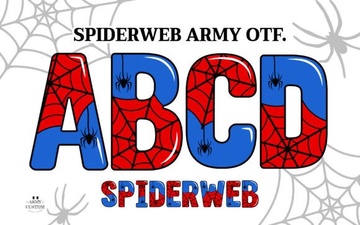 Spiderweb Army: a Free Gothic Font for Digital Projects
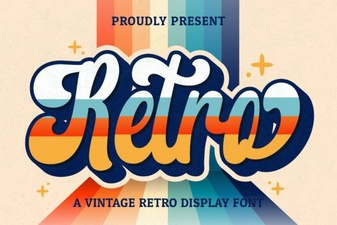 Retro Script Fonts: Elevate Your Vintage Design Projects